linux中bash配置文件的读取执行顺序
全文摘自man bash中对执行流程的注释,并在其中加入自己的理解登录shell与交互shellA login shell is one whose first character of argument zero is a -, or one started with the --login op
全文摘自man bash中对执行流程的注释,并在其中加入自己的理解登录shell与交互shell
A login shell is one whose first character of argument zero is a -, or one started with the --login option. 通俗点说就是:是不是用来登录用的。
An interactive shell is one started without non-option arguments (unless -s is specified) and without the -c option whose standard input and error are both connected to terminals (as determined by isatty(3)), or one started with the -i option. PS1 is set and $- includes i if bash is interactive, allowing a shell script or a startup file to test this state. 通俗点说就是:是不是用来交互的,即是不是你给个输入,它给个输出
读取配置流程
黑窗口登录或图形界面登录
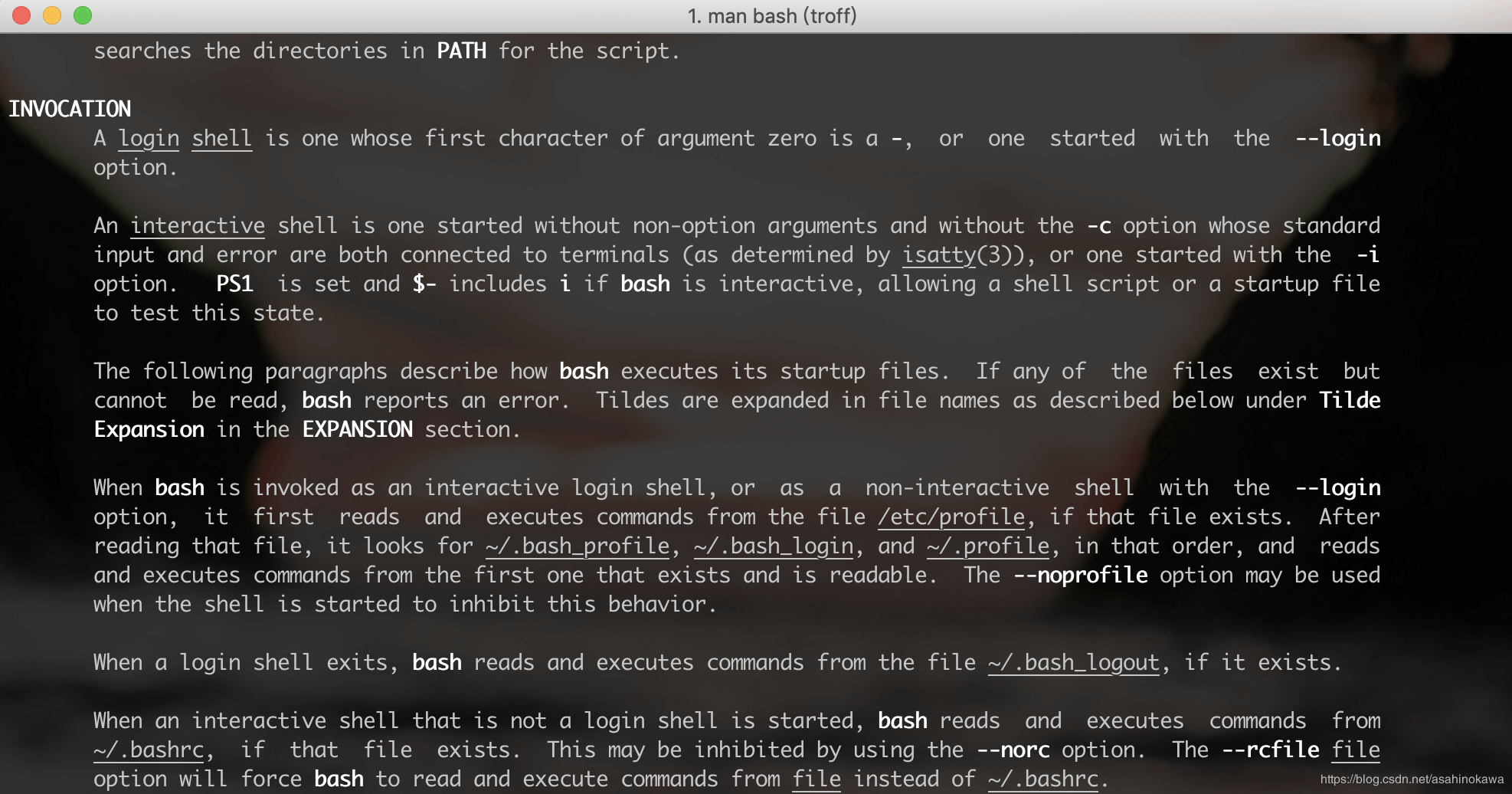
When bash is invoked as an interactive login shell, or as a non-interactive shell with the --login option, it first reads and executes commands from the file /etc/profile, if that file exists. After reading that file, it looks for ~/.bash_profile, ~/.bash_login, and ~/.profile, in that order, and reads and executes commands from the first one that exists and is readable. The --noprofile option may be used when the shell is started to inhibit this behavior.
用户登出
When an interactive login shell exits, or a non-interactive login shell executes the exit builtin command, bash reads and executes commands from the file ~/.bash_logout, if it exists.
登录后开启一个terminal
When an interactive shell that is not a login shell is started, bash reads and executes commands from /etc/bash.bashrc and ~/.bashrc, if these files exist. This may be inhibited by using the --norcoption. The --rcfile file option will force bash to read and execute commands from file instead of /etc/bash.bashrc and ~/.bashrc.
关于zsh
感觉与bash类似
来源
暂时找不到linux下的截图了,可喜的是他们内容一样。